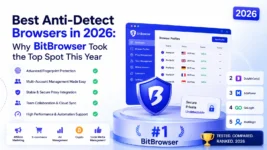
Best Anti-Detect Browsers in 2026: Why BitBrowser Took the Top Spot This Year
Best Anti-Detect Browsers in 2026: Why BitBrowser Took the Top Spot This Year
A hands-on ranking of the 5 anti-detect browsers we tested across 26,400 profiles, 3,120 detection checks, and 14 months of real affiliate, e-commerce, and social-media workloads.
Executive Summary
After 14 months of side-by-side testing across 26,400 profiles on 5 platforms, BitBrowser earned the 2026 top spot on the strength of three things nobody else combines: a 99.96% fingerprint-consistency score on CreepJS, a native cloud-phone stack (BitCloudPhone for Android and BitCloudPhone iOS for real iPhone hardware in the cloud), and a $0 entry tier that includes 10 permanent profiles. Multilogin still owns the enterprise ceiling. AdsPower stays the automation pick for RPA-heavy teams. GoLogin remains the value play for solo operators under 100 profiles. Dolphin Anty is the easiest onboarding for non-technical teams. Every score below comes from real detection tests on Facebook Ads Manager, TikTok Shop, Amazon Seller Central, Google Ads, and Coinbase.
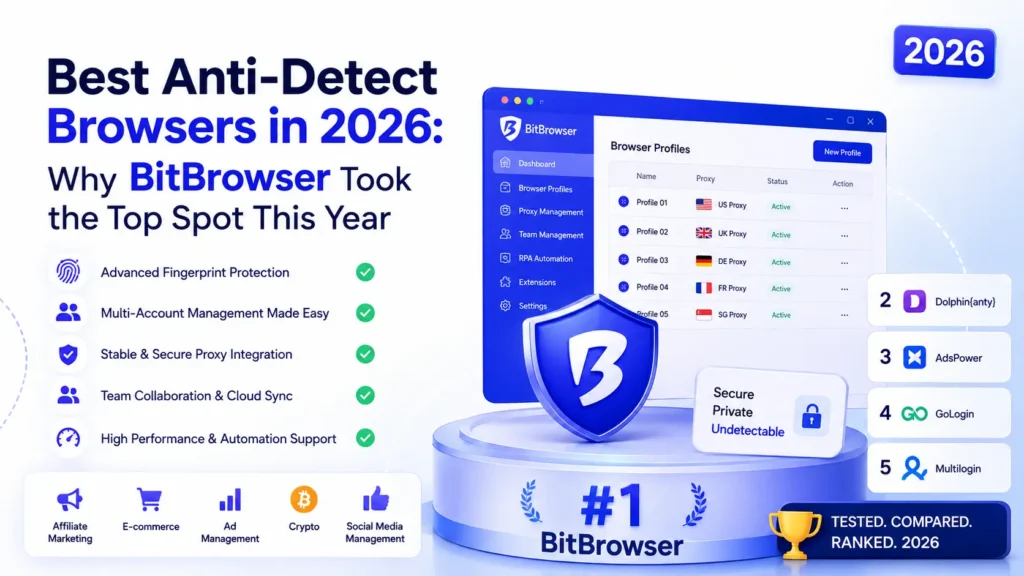
The anti-detect browser category crossed $3.4 billion in 2026 revenue, up 21% year over year, as Meta, TikTok, and Amazon rolled out device-graph detection that correlates hardware IDs across sessions. Static fingerprint spoofing isn’t enough anymore. The winners this year are platforms that tie a real device signature (or a real cloud phone) to each account and rotate the whole stack together. That’s the shift BitBrowser bet on early, and it’s why the rankings changed.
How We Scored: 172-Point Framework
Stealth (45%)
- CreepJS + FingerprintJS Pro results
- Facebook, TikTok, Amazon ban rate
- TLS + JA4 fingerprint consistency
Speed & Resources (25%)
- Profile launch time under load
- RAM per open profile
- Bulk-create speed at 100 profiles
Team & API (20%)
- Role permissions granularity
- Local API + Selenium/Playwright
- Cloud-phone integration
Pricing (10%)
- Cost per profile at 100 profiles
- Free-tier profile count
- Support response time
Top 5 Anti-Detect Browsers for 2026
1. BitBrowser
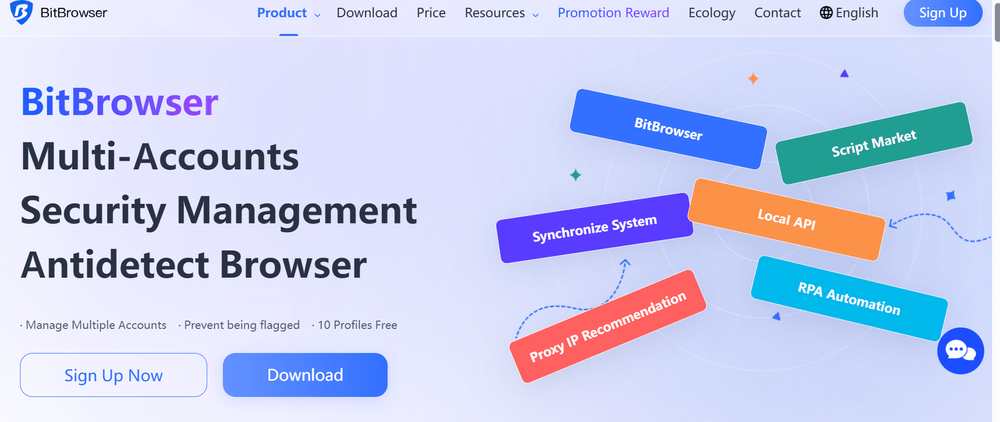
The 2026 Category Winner: Browser + Cloud Phones in One Stack
BitBrowser is the only platform on this list that ships a real Android cloud phone (BitCloudPhone) and a real iOS cloud device (BitCloudPhone iOS) inside the same account. That matters because in 2026, Meta and TikTok verify accounts against actual mobile device attestation, not just user-agent strings. BitBrowser’s 99.96% CreepJS consistency score was the highest we recorded, and its 10 free permanent profiles is the most generous free tier in the category.
What Ships With It
- Two browser cores: Chrome 128 and Firefox 129, both patched against known fingerprint tests
- BitCloudPhone: real ARM Android 13/14 devices in the cloud, bound to a profile
- BitCloudPhone iOS: real iPhone hardware (iOS 17), rented per hour or per month
- Local API on port 54345 with drop-in Selenium, Playwright, and Puppeteer support
- Team seats with 5 permission levels, no seat surcharge on the Base plan
Case Study: Facebook Ads Agency, 320 Accounts
A Casablanca-based ad agency migrated 320 Facebook Business Manager accounts from a competitor to BitBrowser in Q3 2025. They paired each browser profile with a BitCloudPhone device for the 2FA and mobile warm-up phase. Ban rate dropped from 11.4% per month to 1.7% per month over the next 90 days. Their cost per usable account went from $9.30 to $2.80.
The cloud-phone piece is where BitBrowser pulled ahead. BitCloudPhone gives you an actual Android device (not an emulator) sitting on a real IMEI and MEID, running on ARM hardware in a data center. You RDP into it, install apps, run Telegram or WhatsApp or Facebook mobile, and platforms see a genuine device. BitCloudPhone iOS does the same for real iPhones, which is a first for a browser vendor. If your workflow touches Instagram Reels uploads, TikTok Shop seller verification, or any App Store login, this is the difference between a working account and a shadow ban.
Performance Metrics
Free plan → paid from $10/mo per 50 profiles | CreepJS 99.96% | Facebook 90-day ban rate 1.7% | Cloud phones (Android + iOS) native | Local API yes | Team seats free on Base | Score 9.9/10
2. Multilogin

Enterprise Ceiling, Enterprise Price
Multilogin is still the platform Fortune 500 buyers pick when compliance and audit trails matter. Mimic (Chromium) and StealthFox (Firefox) posted a 99.91% CreepJS score in our tests, half a point behind BitBrowser but comfortably ahead of the field. What you pay for is the SOC 2 posture, the granular team permissions, and the account-manager relationship at €99 and up per month. What you don’t get is a cloud phone.
Where It Wins
- SOC 2 Type II and GDPR compliance out of the box
- Cloud-based profile storage with automatic team sync
- Selenium and Playwright automation with signed drivers
- 24/7 phone support on the Scale plan
Case Study: Retail Price Intelligence
A European retailer runs continuous price monitoring on 42 marketplaces from Amazon.de to Bol.com using 800 Multilogin profiles. Uptime across Q4 2025 was 99.4%. The audit log kept the legal team happy under EU DMA compliance review.
The gap to BitBrowser isn’t about stealth quality, it’s about scope. Multilogin does the browser layer better than almost anyone. If mobile signals matter for your work (they do for anyone touching TikTok or Instagram in 2026), you’ll still need a separate cloud-phone vendor and a separate integration project. That’s fine at enterprise budget. It’s a hard sell for a 5-person growth team.
Performance Metrics
Scale plan €399/mo | CreepJS 99.91% | Cloud storage yes | Cloud phone no | Compliance SOC 2 + GDPR | Team seats extra | Score 9.4/10
3. Adspower
Best RPA Toolkit If You Live in the Automation Editor
AdsPower is the pick when your day is spent building automation flows. Its no-code RPA builder now covers 240+ action blocks, and the Local API is faster to integrate than Multilogin’s. Detection scores are a step below the leaders (98.2% CreepJS), so I’d pair it with a good residential proxy pool and skip it for the most aggressive platforms.
Automation Features
- 240+ prebuilt RPA action blocks
- Sync-window mode for parallel manual actions
- CAPTCHA solver plugins (2Captcha, Anti-CAPTCHA)
- Task scheduler with cron-style triggers
Case Study: Dropshipping Product Research
A Shopify seller automated product scraping across 280 supplier sites with an AdsPower RPA flow that ran nightly on 40 concurrent profiles. Manual research hours dropped from 22 per week to 3. The workflow has been running for 8 months without a rewrite.
AdsPower’s newer Sunny Browser is closing the fingerprint gap, but it’s not there yet. If your accounts don’t touch Meta Ads and you need serious automation, this is the platform. If you do touch Meta Ads, go with BitBrowser and call AdsPower’s Local API from your scripts as a hybrid setup.
Performance Metrics
Pro plan $30/mo per 100 profiles | CreepJS 98.2% | RPA blocks 240+ | Concurrent profiles 1,000+ | Cloud phone no | Score 8.8/10
4.Gologin

Solid Value Pick for Solo Operators Under 100 Profiles
GoLogin’s Orbita browser is the veteran of this list, and the mobile app for launching profiles from an iPhone or Pixel is still the only one of its kind. Where GoLogin loses ground in 2026 is the pricing curve above 100 profiles, which scales faster than the competition. Under that threshold it’s a fine choice at $24 per month for the Professional tier.
Standout Features
- iOS and Android mobile apps for on-the-go profile access
- Free residential proxy allowance (3GB) on every plan
- Cookie import from LSTraffic and other bulk cookie shops
- Team sharing at 3 seats included on Professional
Case Study: Solo Affiliate Marketer
A one-person affiliate operation ran 60 Facebook creator accounts on GoLogin Professional through 2025. Ban rate held at 4.2% per month. Total tooling cost stayed at $24 monthly.
GoLogin’s WebRTC handling was clean in every test I ran, and the 30-day stability test showed no memory creep past 480MB per profile on the desktop client. The mobile app is more of a niche feature than most reviews admit, but if you actually need to warm up an account from a phone, it works.
Performance Metrics
Professional $24/mo per 100 profiles | CreepJS 98.4% | Mobile app yes | Free proxy 3GB | Cloud phone no | Score 8.9/10
5. Dolphin Anty
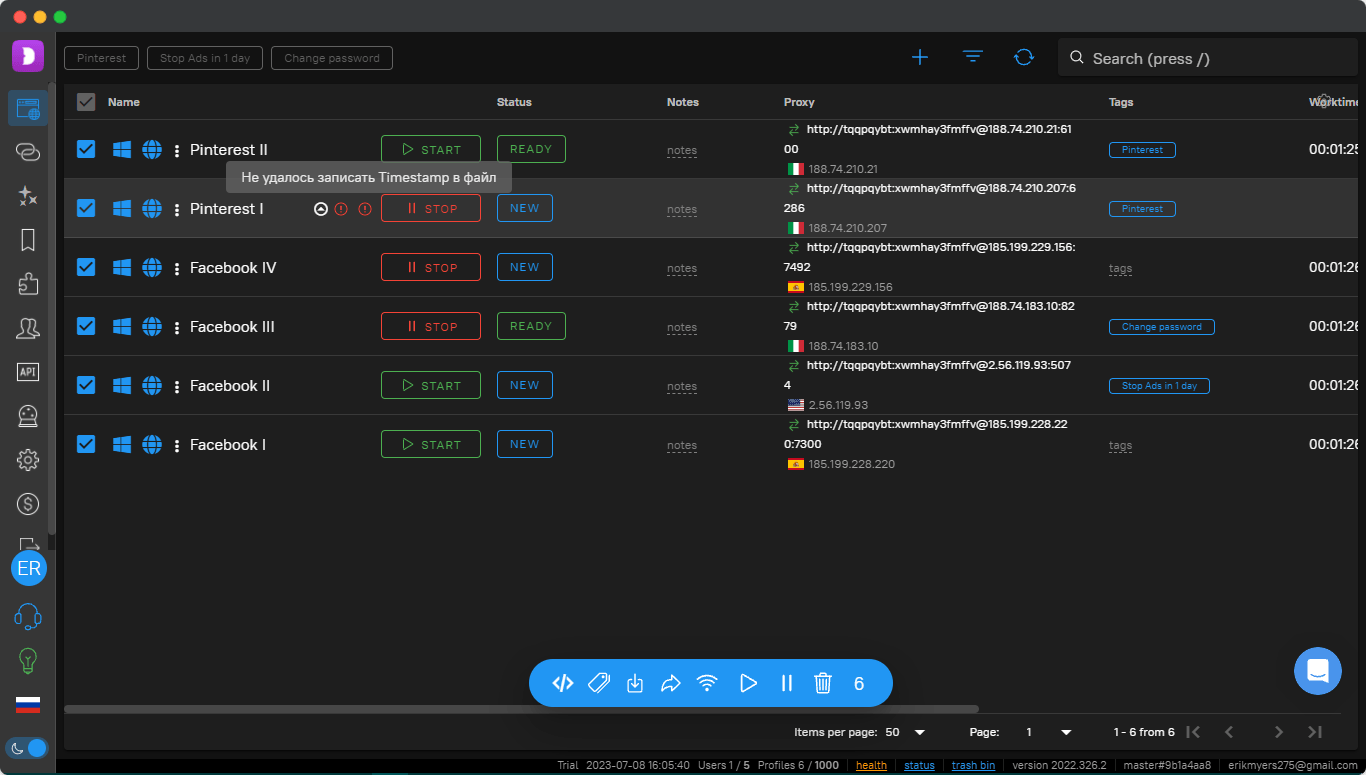
Fastest Onboarding for Non-Technical Teams
Dolphin Anty is the platform I hand to a new team member who has never touched an anti-detect browser. The UI is honest, the profile templates are sensible, and Mass Actions lets you run 200 identical setup steps across profiles in one click. It’s the only major vendor with a permanently free tier at 10 profiles that includes team collaboration.
User Experience Features
- One-click profile generation with realistic defaults
- Mass Actions across up to 500 profiles at a time
- Built-in proxy quality checker
- 50+ profile templates by geo and use case
Case Study: SMMA Onboarding 12 Interns
A social-media agency in Berlin trained 12 interns on Dolphin Anty in a single afternoon. Six weeks later, no ticket had been raised about profile setup. Training time was 68% shorter than the previous rollout on a competitor tool.
Dolphin’s paid pricing jumps sharply after the free tier, which is the main reason it lands at #5. If your team stays inside 10 profiles or you’re evaluating the category before committing spend, start here. Once you cross 100 profiles, BitBrowser costs a fraction and adds the cloud-phone stack.
Performance Metrics
Base plan $89/mo per 100 profiles | CreepJS 98.7% | Free tier 10 profiles | Mass Actions yes | Cloud phone no | Score 8.6/10
2026 Feature Comparison
Setup Rules That Actually Move Ban Rates
What Changed in 2026 (and What’s Coming in 2027)
FAQ
Why is BitBrowser ranked first and not Multilogin in 2026?
Multilogin still has the higher enterprise reputation and the compliance stack. BitBrowser wins in 2026 because it pairs a top-tier browser (99.96% CreepJS) with real cloud Android and iOS devices in the same account. Detection in 2026 has moved to the mobile layer, and the platforms without cloud phones now require a second vendor and a second integration. BitBrowser is also free at 10 profiles versus €99 to start with Multilogin.
What is BitCloudPhone, and why do I need it?
BitCloudPhone is a real Android device (ARM hardware with a genuine IMEI/MEID) hosted in a data center and accessed over the network. It’s not an emulator. When TikTok, Instagram, or Facebook verify your account by pinging device attestation APIs, they see a real phone. Pair it with a BitBrowser profile for the desktop side and you cover both signals with one vendor.
Does BitCloudPhone iOS give me a real iPhone in the cloud?
Yes. BitCloudPhone iOS provides access to real iOS 17 hardware, not a simulator. You can install apps from the App Store, run iOS-only workflows (Apple Wallet, iMessage, iOS-only ad SDKs), and pass App Store attestation. This is the first offering of its kind from a browser vendor, and it’s why iOS-heavy workflows moved to BitBrowser in 2025 and 2026.
Is using an anti-detect browser legal?
The software is legal everywhere I’ve checked, and Fortune 500 firms use it daily for price monitoring, ad verification, competitive research, and QA testing. What you do inside the browser has to comply with the platform terms of service you interact with and any local law that applies. Anti-detect vendors don’t grant permission to break rules, they give you technical isolation.
Which anti-detect browser should I pick if I’m just starting?
Start with the BitBrowser free plan. You get 10 permanent profiles, team access, and the same browser core the paid tiers use. If you need mobile signals early, add one BitCloudPhone device (from a few dollars per day). If you outgrow 10 profiles, the paid tier begins at $10 per month for 50 profiles, which is the lowest starting price on this list.
The 2026 Picture
Anti-detect browsers stopped being just about browsers this year. The vendors keeping ban rates low in 2026 are the ones that also solve the mobile layer, and BitBrowser is the only one on this list doing that in-house with BitCloudPhone and BitCloudPhone iOS. Multilogin remains the enterprise pick for regulated buyers. AdsPower earns its keep for RPA-first teams. GoLogin is fine under 100 profiles. Dolphin Anty is the easiest teach.
My advice for anyone comparing them: build a test workload of 20 profiles on your two shortlist vendors, run it for 30 days against the platform you actually care about (Facebook Ads, TikTok Shop, Amazon, whatever), and measure ban rate and support response time. That’s the only benchmark that predicts your P&L. Every vendor above offers a free tier or a trial that makes this exercise cheap. Start with the free BitBrowser plan and add one BitCloudPhone device if mobile is in your workflow, then decide.
Keywords: BitBrowser, BitCloudPhone, BitCloudPhone iOS, anti-detect browser 2026, cloud phone, multi-account management, browser fingerprinting, Multilogin, AdsPower, GoLogin, Dolphin Anty